New browsers era
I bet you use lots of websites on your PC, like Twitter, YouTube, GitHub, messengers, or online learning platforms. You probably noticed that work and studies have become more digital over the years, with interfaces getting better.
But what about web browsers? They've only received minor updates, such as design changes, new tools, and syncing with accounts…
“New browsers”?
This tool is more oriented towards work processes and usage in web applications. For example, it allows you to create workspaces to group tabs by categories or use focus mode to remove all browser interface and stay only in the app. Currently, we have 'Arc browser' and 'SigmaOS'.
Main features
Here I'll show you some things I enjoy:
- No more tabs, only 'workspaces'.
- New design system with a fresh and minimalistic view, good introduction, and hints.
- Awesome hotkeys with 'one-key' commands that help browse pages faster.
- Split screen with an 'iOS-like' view and some extensions.
- Focus mode, which removes all browser interfaces and only shows the app view.
- Efficient performance that works really fast compared to other browsers and functions well on old devices.
- The 'mini-window' allows you to separate windows and keep them apart from others.
Arc browser
I cannot say much about this browser, because I can't install it (requires MacOS 12+). I'm on MacOS 11.
My SigmaOS
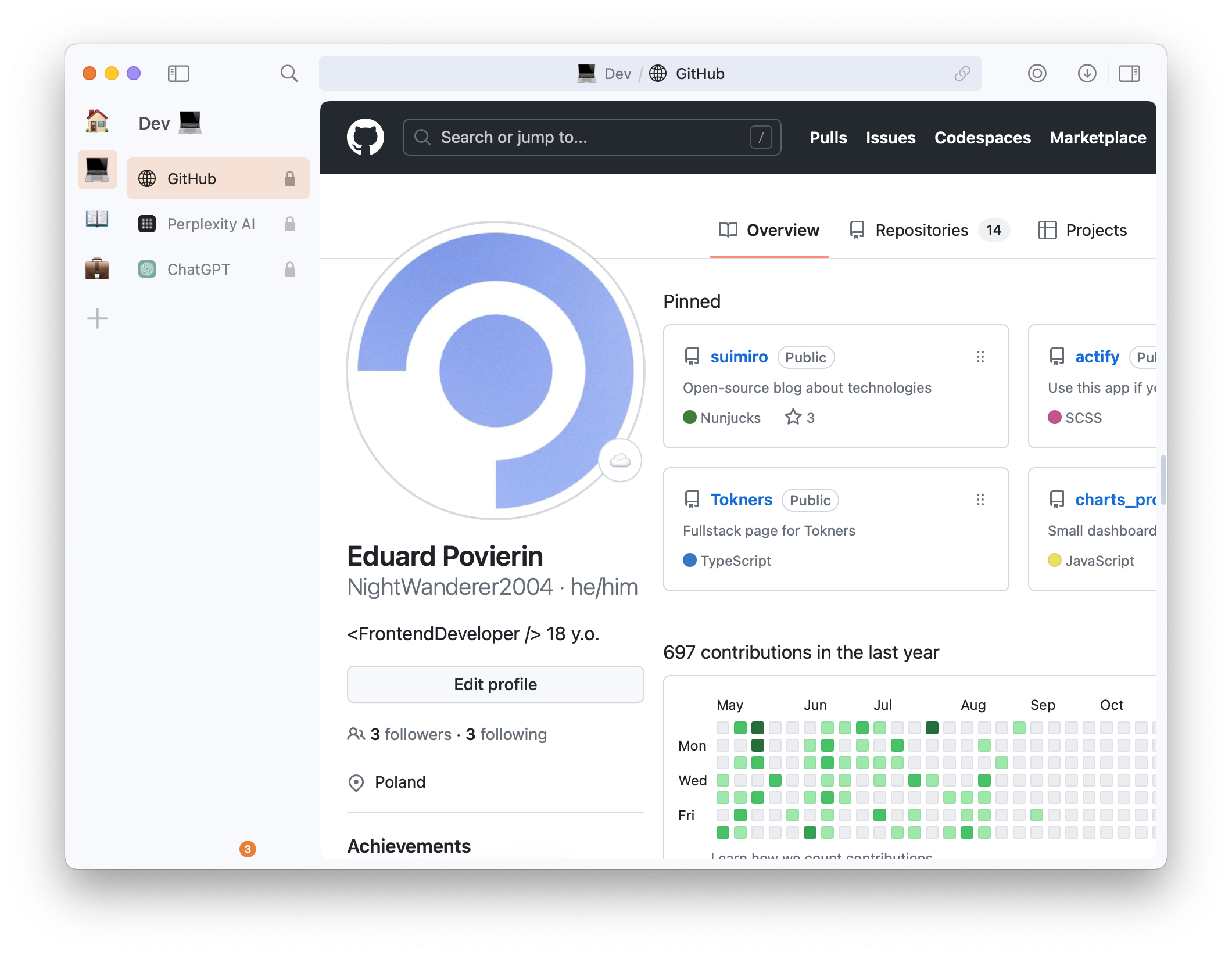 Here I create workspaces for different tasks, like development, studies, and personal.
I also like to use the 'focus mode' to stay only in the app.
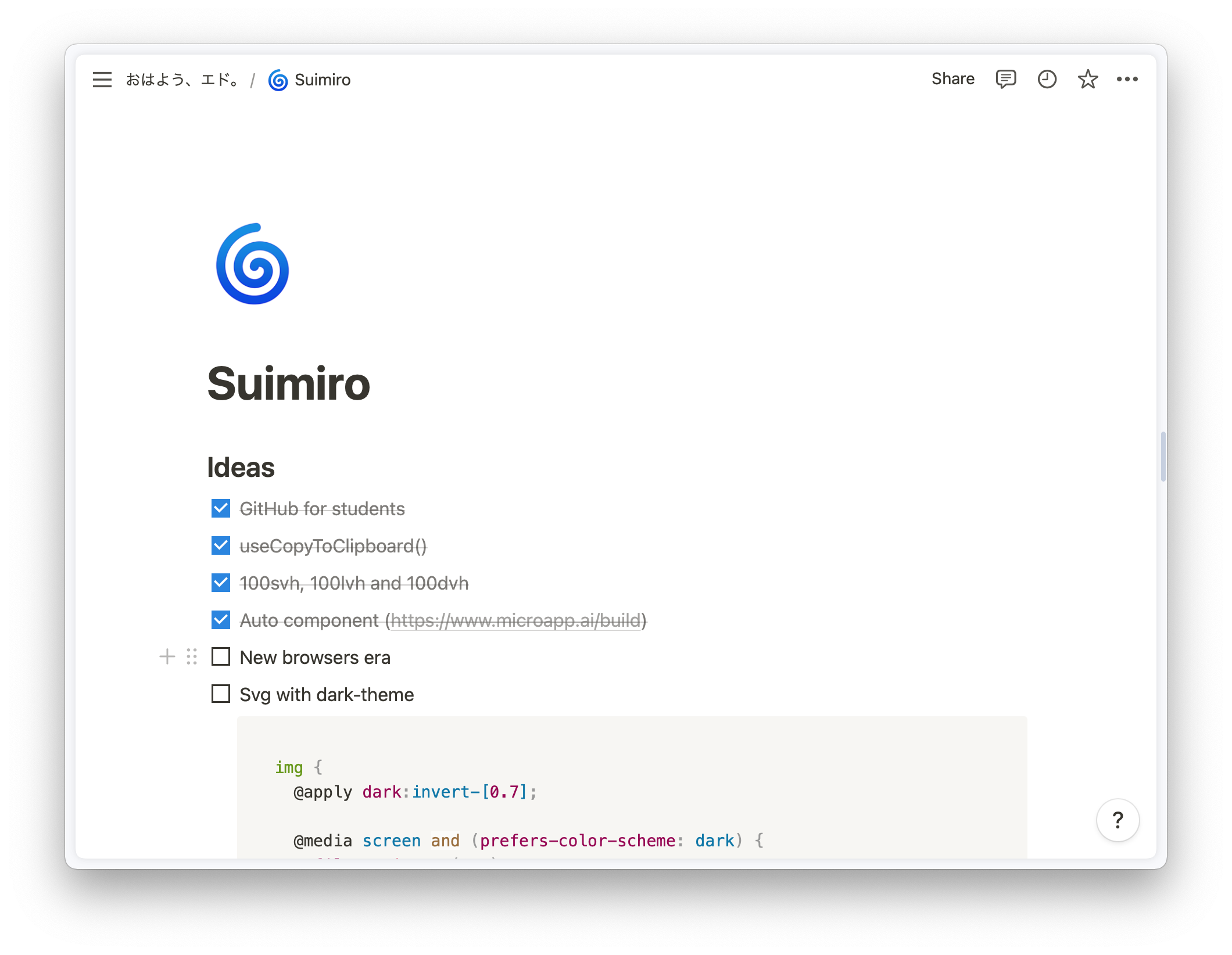
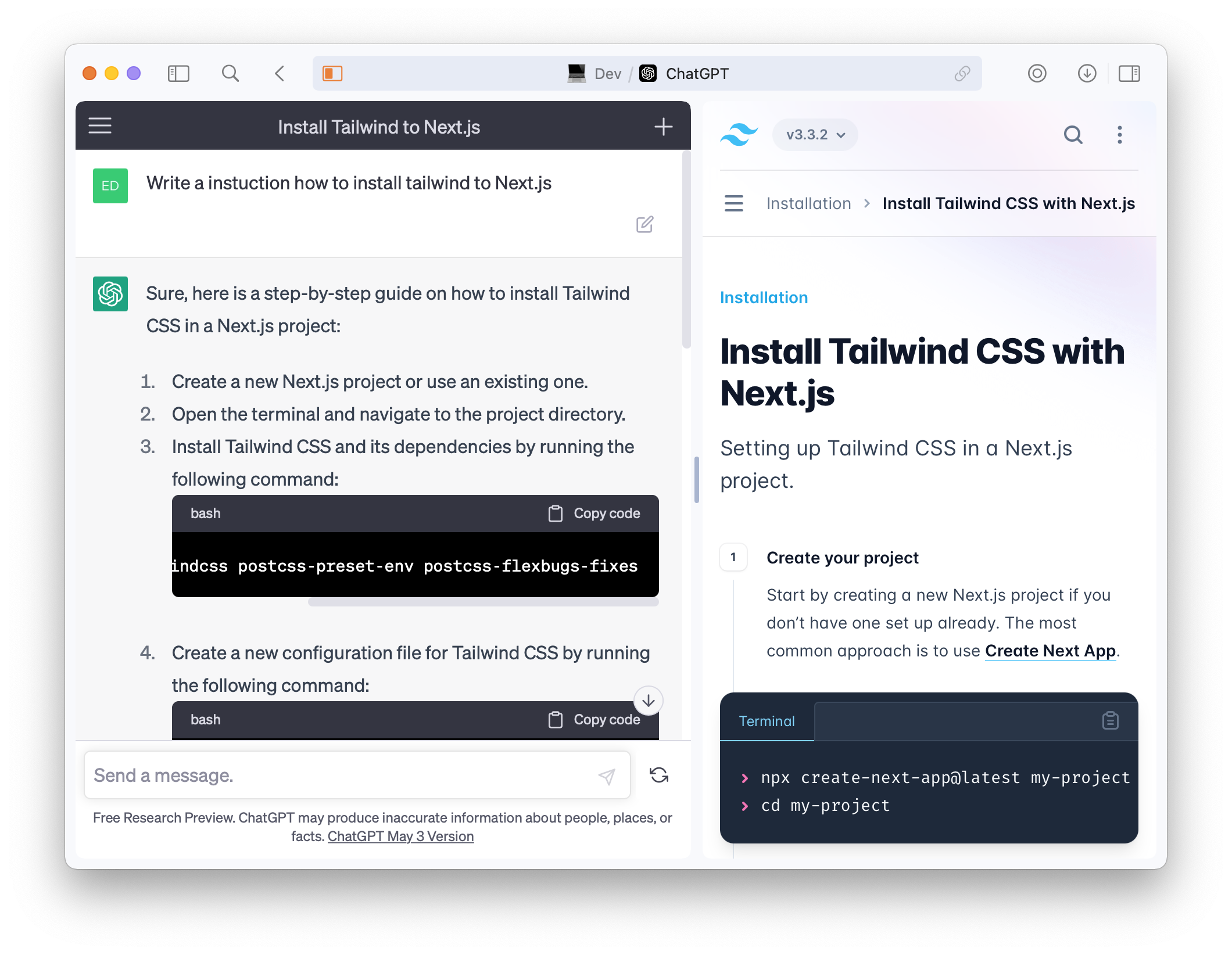
Split screen mode looks like this:
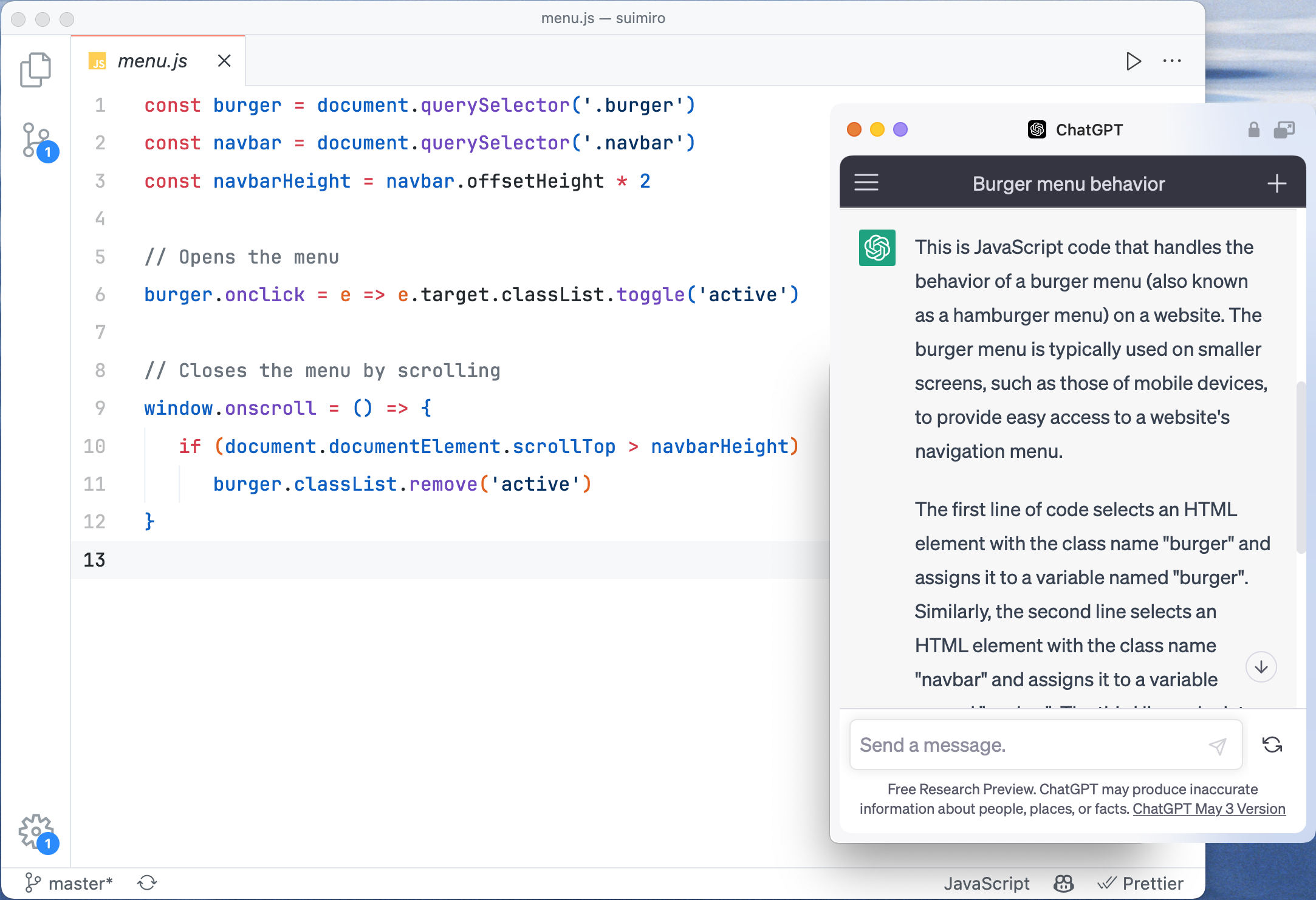
Use mini-window for GPT when needed:
Dev tools
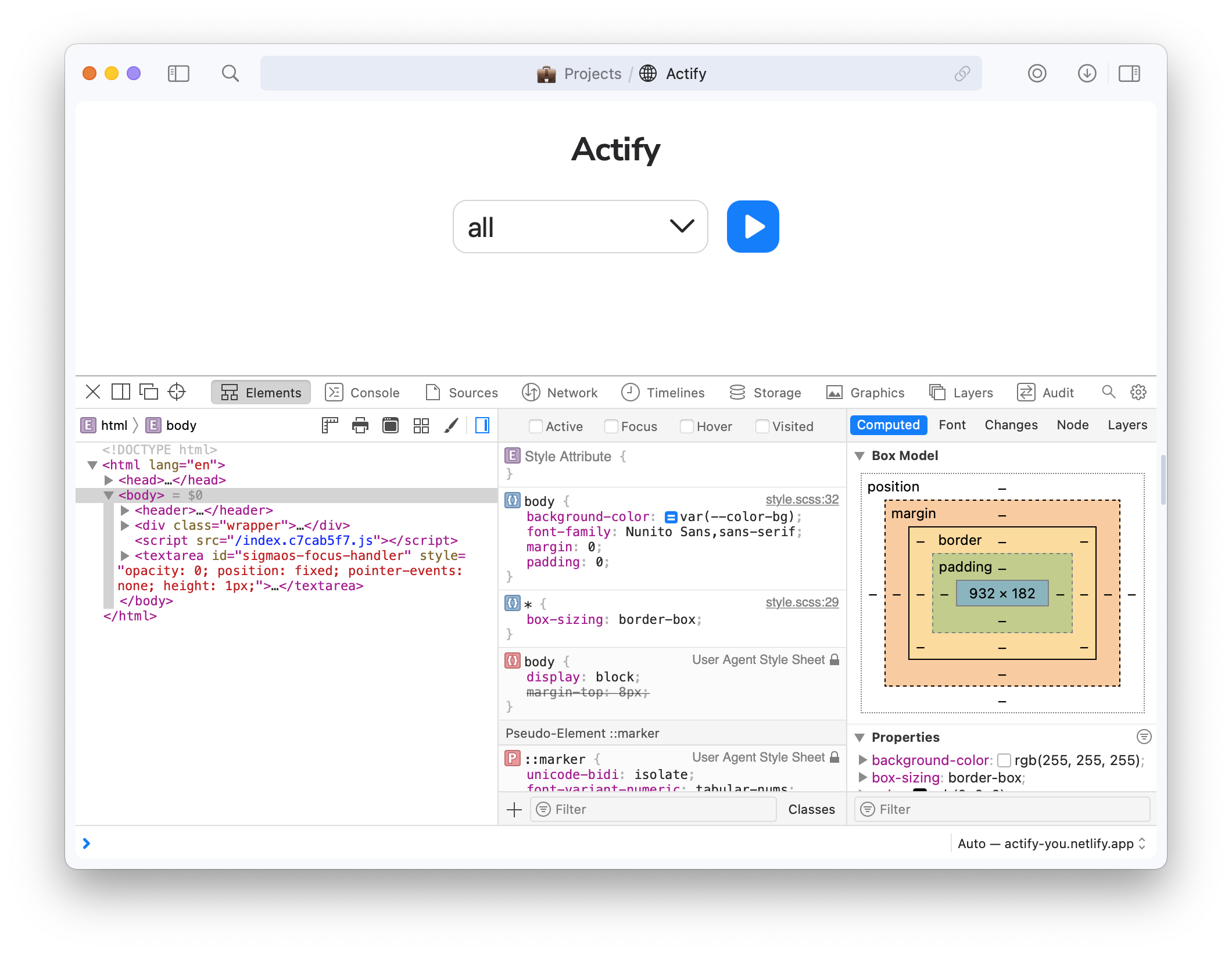
In SigmaOS dev tools is the similar as Safari's, because it uses a webkit engine. Nothing special.
Hotkeys
It's a greatest hotkeys system I've ever seen. It's really fast and easy to use.
For example, to open a new tab, you just need to push Space.
Or if you want to close tab, push D. Focus mode is F as you can guess.
It has a lot of other hotkeys, so here I give you a link to full list of hotkeys
PS: I copied link just by pushing L 😏.
Conclusion
I very enjoy using this browser and sometimes I shocked by how fast it works. This is my default browser now, helps me to study faster after all.
It's really so minimalistic and simple, on my MacBook pro 2014 it works like a charm, but sometimes it has some bugs, because it's still in beta...
SigmaOS official page, see on this to understand more features it has. I just show you my favorite ones.
May 4, 2023
Go back